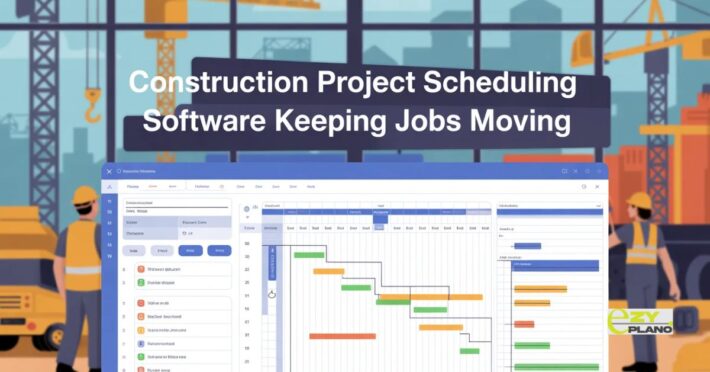
Project Scheduling Software That Makes Sense
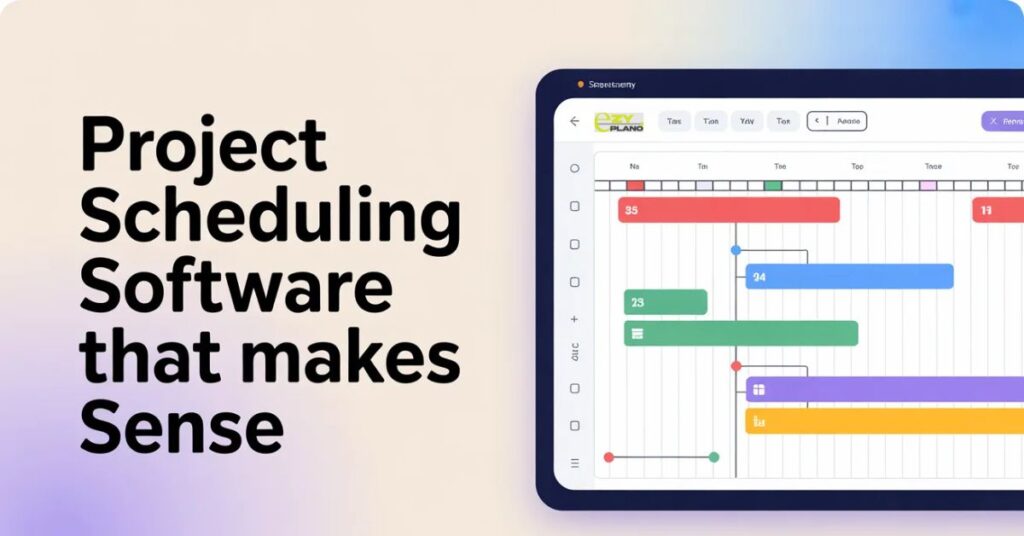
Scheduling projects with spreadsheets is a pain. People forget updates, timelines get messed up, nobody knows who’s doing what anymore. Project scheduling software fixes that chaos, and teams using it can’t imagine dealing with the old mess again.
Tons of teams still schedule manually. Someone makes a spreadsheet, shares it around, maybe people update it, probably they don’t. Timelines live in someone’s head. Deadlines exist in different emails. Complete disaster.
What Scheduling Software Does
- Manual scheduling means guessing a lot. You write tasks down, estimate how long they take, assign them to people, hope it all works out. When something changes, you redo everything by hand.
- Project scheduling software maps it all out for you. Tell it what needs doing, who’s available, what order things happen. It builds the timeline automatically. Shows you conflicts before they blow up. Adjusts when things change.
- You stop spending hours moving boxes around in spreadsheets.
Why Teams Need This
- Deadlines become realistic. Software knows Task B can’t start until Task A finishes. Calculates actual timelines based on dependencies instead of wild guesses.
- Everyone sees the same plan. No more “I didn’t know that changed” excuses. Update the schedule once, the whole team knows immediately.
- Resource conflicts show up fast. Three tasks assigned to the same person on the same day? Software catches that. You fix it before someone’s drowning in work.
- Changes don’t destroy everything. Clients want a different delivery date? Software reshuffles and shows a new timeline in seconds. No manual recalculation needed.
- Progress stays visible. Managers see how projects are going without bugging people constantly. The team knows if they’re ahead or behind.
- Bottlenecks get spotted early. One person holding up five tasks? Software makes it obvious so you can help or reassign work.
Where This Helps Most
- Construction teams juggle multiple job sites. Who’s where today, what equipment goes where, when inspections happen. Software keeps it straight without someone tracking it all mentally.
- Marketing departments run campaigns with tons of moving parts. Content creation, design work, approvals, publishing dates. Everything coordinated without endless meetings.
- Software teams manage sprints and releases. What’s being built, who’s coding what, when features ship. Keeps development on track.
- Event planning needs perfect timing. Vendor coordination, setup schedules, backup plans. One delay shouldn’t wreck the whole event.
- Manufacturing schedules production runs. Which machines run when, material deliveries, shipping dates. Software handles the complexity.
What Good Scheduling Tools Need
- Easy to update fast. If changing one date takes ten clicks, nobody uses it. Drag things around, done.
- Multiple view options help. Some people like timelines. Others want lists or calendars. Let people see information how they think.
- Shows critical path clearly. Which tasks absolutely can’t be late without delaying everything? Needs to be obvious.
- Handles dependencies well. This needs finishing before that starts. Project scheduling software should manage these connections automatically.
- Works on phones. People aren’t at desks all day. Check schedules from job sites or client meetings.
- Connects with other tools. Email, file storage, chat apps. When things talk to each other, less time gets wasted.
Different Ways Teams Use This
- Small teams keep simple projects organized. Even three people benefit when juggling multiple deadlines and dependencies.
- Growing companies prevent chaos. Taking on more work without falling apart requires better organization than spreadsheets provide.
- Remote teams stay coordinated. When people work from different places, shared scheduling keeps everyone aligned.
- Client-facing work shows progress clearly. Clients see timelines and updates without constant status emails.
- Cross-functional projects coordinate better. Design, development, marketing working together needs clear scheduling so nothing gets missed.
Real Problems It Solves
- Overcommitting stops happening. See exactly how much work people have before adding more. No more accidentally burying someone.
- Missed deadlines drop. When the schedule accounts for dependencies and capacity, dates become achievable instead of hopeful.
- Communication improves. Discussions happen on tasks instead of buried in email. Everyone relevant sees updates.
- Planning gets faster. Creating new project schedules takes minutes instead of hours once you know the tool.
- Accountability increases. Clear assignments and deadlines mean no confusion about who’s responsible for what.
Getting It Working
- Start with one project type. Don’t move everything at once. Pick something, learn the tool there, expand later.
- Keep it simple initially. Use basic features first. Don’t configure every advanced option right away. Comfortable with basics, then add complexity.
- Get team buy-in early. People using it daily should help pick the tool. If they hate it, they won’t use it.
- Actually commit to using it. Half the team in software, half in email doesn’t work. Everyone needs to be in or you just added another place where information lives.
- Review and adjust regularly. Check if the schedule matches reality. Update estimates based on what you learn.
How Ezy Plano Approaches This
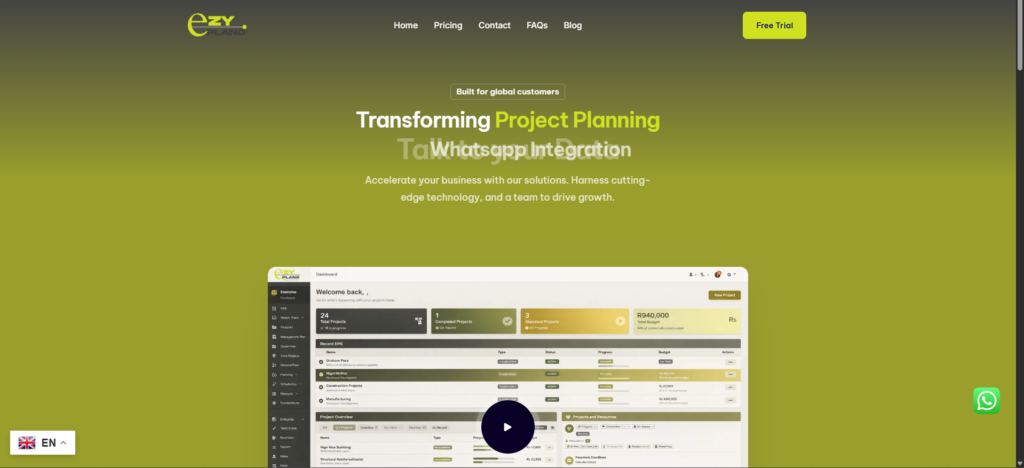
- Tools like EzyPlano focus on practical scheduling for real teams. Not overloaded with features nobody touches. Just solid project scheduling that works without headaches.
- What makes EzyPlano different? Built for teams that need powerful but simple. Clean setup, straightforward features, gets out of your way so work happens.
- For companies growing without wanting enterprise complexity, platforms like this hit the spot. Good scheduling without needing consultants to implement it.
- Project scheduling software isn’t about making work harder. It’s handling the hard parts so teams can focus on doing work instead of coordinating work. Good tools bring order without adding hassle.
- Projects finish on time more often. Teams know what they’re doing. Problems get caught early. Communication flows better. That’s why it matters.
Questions About Scheduling Software
How long before teams actually use it properly?
- A couple weeks usually if it’s decent software. The first few days feel weird while people learn. Gets normal after a week or two. Pick something intuitive and adoption happens faster. Choose confusing software and people fight it forever or work around it.
What if estimates are always wrong anyway?
- Estimates improve over time when you track actual durations. Software shows you estimated versus actual, so you learn. Your estimates in month six are way better than month one. Also helps spot who consistently underestimates or overestimates so you can adjust.
Do we really need this for small projects?
- Depends on complexity not size. Simple project with three tasks? Probably overkill. Small project with dependencies, multiple people, tight deadline? Yeah you need it. If coordinating takes significant time or things get missed, project size doesn’t matter, better tools help.