Top 7 Project Planning and Scheduling Software Tools for 2026
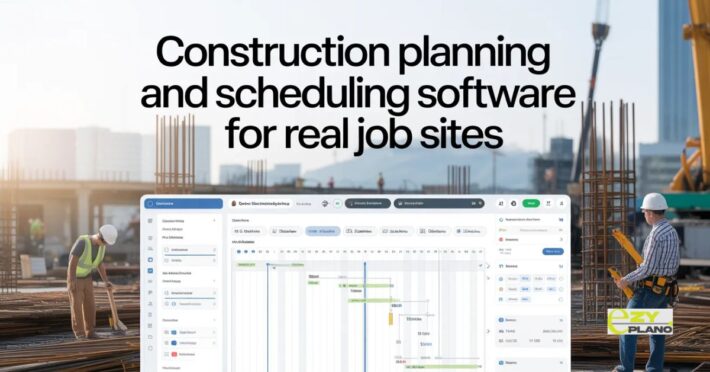
It’s 2026, and if you are still trying to run a multi-million dollar project out of a messy spreadsheet, you’re basically asking for a headache. We’ve all been there, the schedule says the roof should be on, but the steel hasn’t even arrived yet. It’s frustrating. Picking the right Project Planning and Scheduling Software isn’t about finding the one with the most buttons; it’s about finding the one that actually keeps you from losing money on delays.
Most people just pick whatever is popular, but after looking at how things are actually moving this year, here are the 7 tools that are actually worth your time.
1. EZY-PLANO
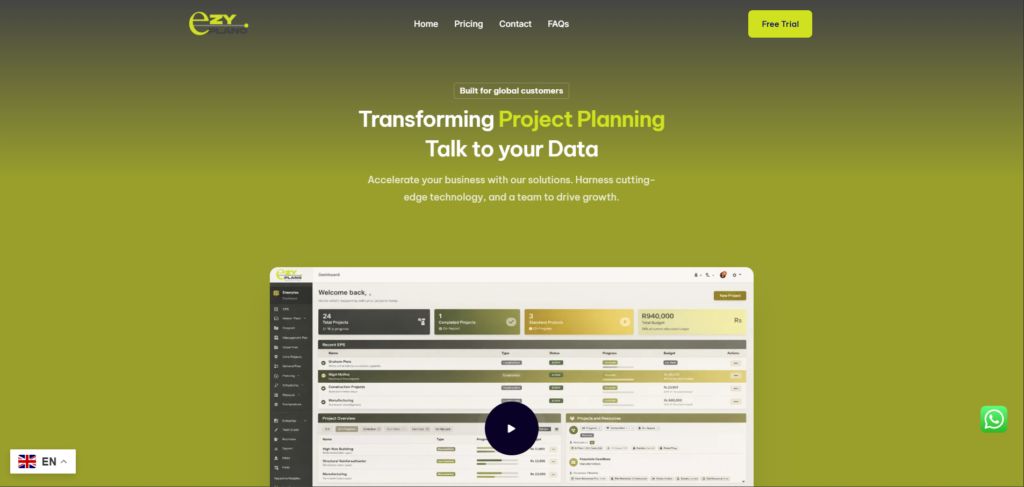
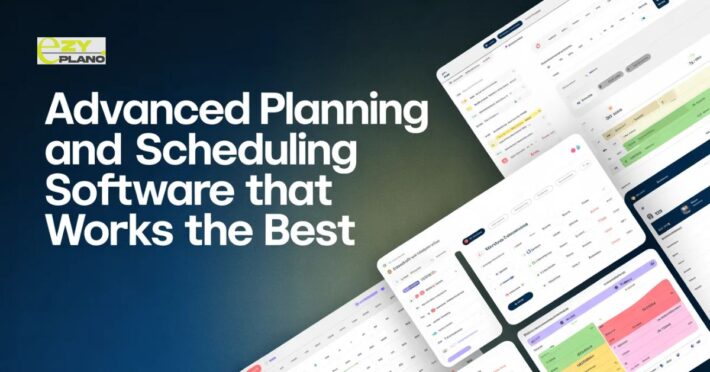
I’m putting EZY-PLANO first because it solves the biggest problem in construction: the gap between the office and the site. It’s part of the EZYPRO suite, and honestly, it’s the smartest Project Planning and Scheduling Software I’ve seen in a long time.
The “AI” part isn’t just a gimmick here. You can literally ask, “When will we finish the foundation?” and it looks at your real-time data to give you a straight answer. While you’re at handling the big picture, the guys on the site use to log progress. The best part? It pings your WhatsApp when things go wrong. No more digging through emails to find out why a task is late.
2. Monday.com
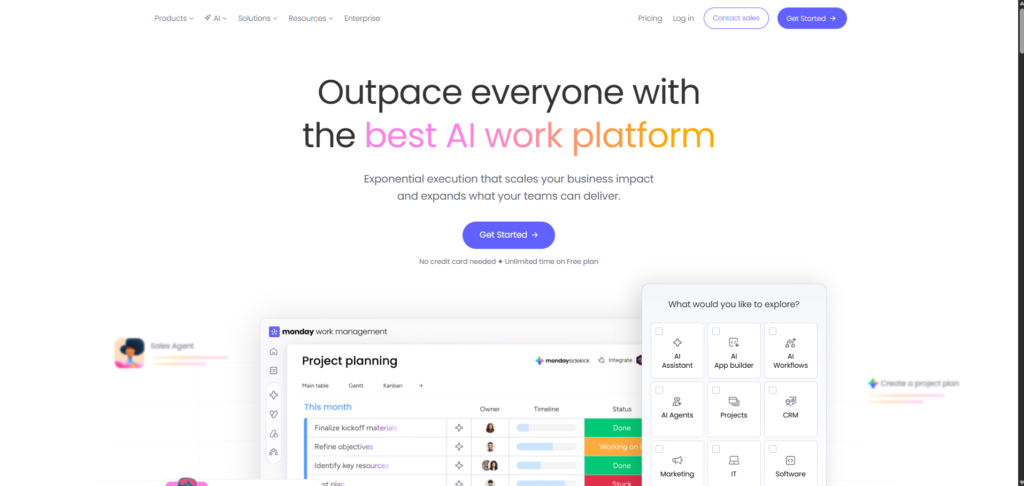
Monday is basically the pretty option. It’s very easy to set up and great for tracking who is doing what. If your project is more about marketing or simple tasks, it’s a winner. But for heavy-duty Project Planning and Scheduling Software needs, it can feel a bit like a glorified to-do list.
3. Procore

Procore is the giant in the room. It does everything, safety, finances, drawings. It’s the safe choice for massive companies, but it is expensive and takes a long time to learn. If you just want to get a schedule up and running, it might feel like overkill.
4. ClickUp
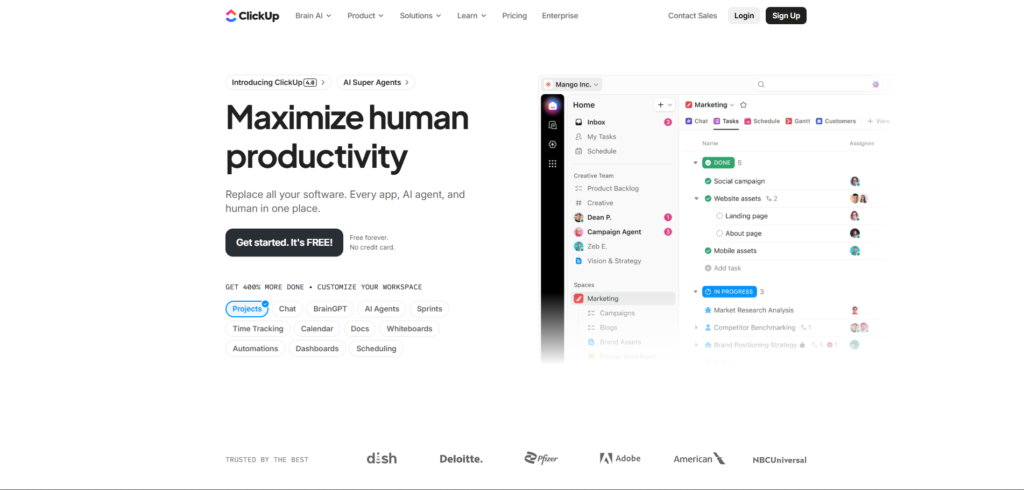
ClickUp tries to do everything. Tasks, docs, chat, it’s all there. The AI is decent for summarizing notes, but as a dedicated Project Planning and Scheduling Software, it’s a bit cluttered. It’s better for people working in an office than people wearing hard hats.
5. Smartsheet
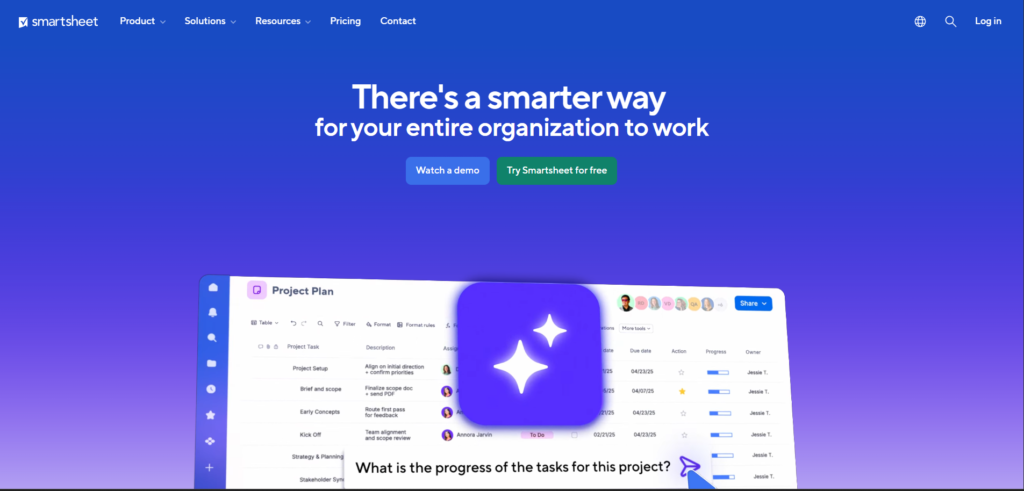
If you can’t let go of Excel, Smartsheet is for you. It’s familiar and flexible. You can build almost anything in it, but you have to do it all yourself. It doesn’t think for you the way newer AI tools like EZY-PLANO do.
6. TeamGantt
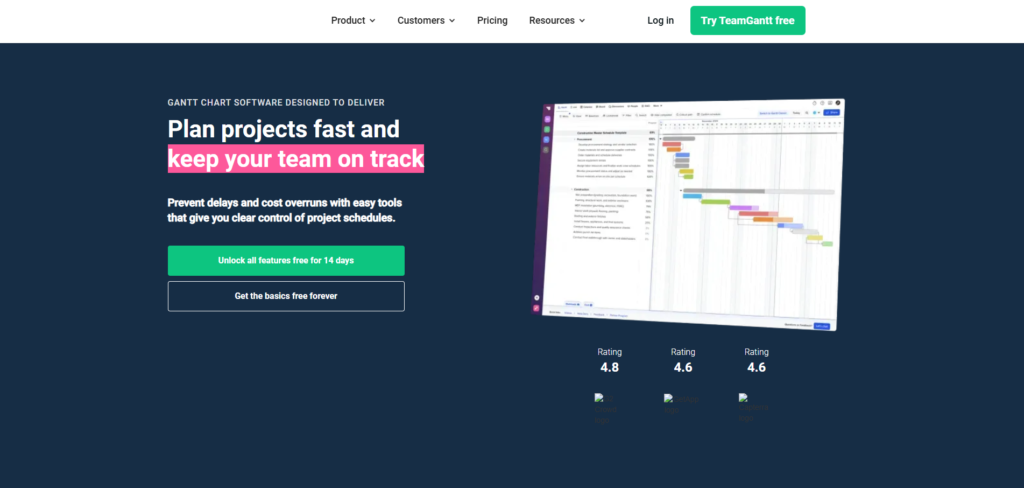
This is probably the most human tool to use. It’s just a Gantt chart, nothing more, nothing less. If you need a simple Project Planning and Scheduling Software for a small team, this is a great place to start because you don’t need a manual to figure it out.
7. Asana

Asana is great for keeping a team organized and making sure tasks don’t fall through the cracks. It’s not really a technical Project Planning and Scheduling Software, but for the design and planning phases of a project, it works quite well.
Why the EZYPRO Setup Actually Works
The reason I’m such a fan of the EZYPRO ecosystem is that it connects the dots. Your schedule at EZY PLANO is linked to your site management at EZY PM, and if you need to update a client, EZY CALLS handles it through an AI call center. It’s just a smoother way to work.
At the end of the day, you just need a Project Planning and Scheduling Software that stops the chaos. Whether you go with a simple tool or something more advanced like EZY-PLANO, just make sure it’s a tool that actually makes your job easier, not harder.
Conclusion: Don’t Settle for a Messy Schedule
At the end of the day, a project is only as good as the plan you’re following. You don’t need the most expensive tool in the world; you just need the right Project Planning and Scheduling Software for your team.
By using a tool like EZY-PLANO, you get the benefit of smart AI features that keep you one step ahead. It’s about making your life easier and your projects more successful. If you’re ready to stop stressing over spreadsheets, a modern Project Planning and Scheduling Software is the way to go.