
3D Design Software Worth Using in Construction Planning
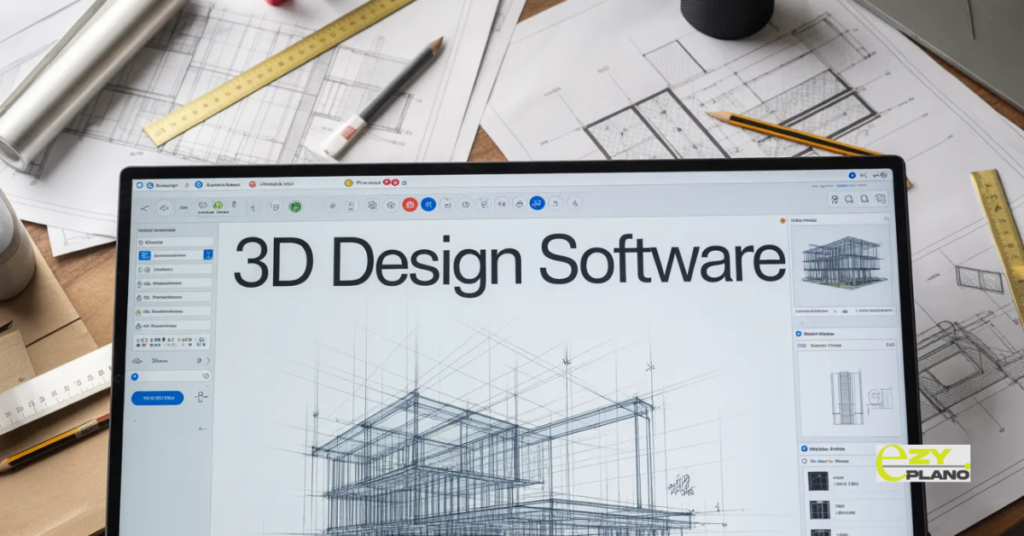
- Construction planning and design have always been connected. The decisions made during design shape what gets built and how. The planning decisions made during construction determine whether what was designed actually gets delivered on time and within budget.
- The gap between these two functions has historically been wider than it needed to be. Design happens in one set of tools. Planning happens in another. The connection between what the design shows and how construction gets planned is made manually, incompletely and with effort that should not be necessary.
- 3D design software is changing that gap in ways that matter for construction planning. Not just by producing better visualisations but by creating models that contain information useful for planning rather than just geometry useful for design.
What 3D Design Software Actually Offers Construction
- The value of 3D design software in a construction context goes beyond what most people initially assume.
- Visualisation is the obvious benefit. Clients who can see what they are getting before ground is broken make better decisions and have more realistic expectations. Design teams who can see how their decisions affect the whole building catch coordination problems before they become construction problems.
- But the planning value of 3D design software goes further than visualisation. A 3D model that contains information about building elements, their relationships and their physical characteristics can inform construction sequencing in ways that flat drawings cannot. Which elements need to be in place before others can start. Where spatial conflicts between trades will occur. How the construction sequence affects access to different parts of the building at different stages.
- These planning insights come from the model being more than a picture. They come from 3D design software that produces models with genuine information content rather than geometry alone.
The Main Options Worth Knowing
- The 3D design software landscape in construction covers a range of tools that serve different needs at different levels of sophistication and cost.
- Autodesk Revit is the dominant BIM authoring tool in most markets. The information richness of Revit models is genuine. Elements have properties beyond geometry. Walls know they are walls. Doors know what wall they are in. That information content is what makes Revit models useful for planning and quantity takeoff rather than just for visualisation. The learning curve is significant and the cost reflects the enterprise positioning.
- ArchiCAD by Graphisoft has been a BIM authoring tool for longer than Revit and retains a loyal user base particularly in Europe. The workflow for architectural design is considered more intuitive by many architects than Revit’s approach. The information model is similarly rich. The choice between ArchiCAD and Revit often reflects regional market norms and existing team skills as much as specific capability differences.
- SketchUp sits at the more accessible end of the spectrum. The interface is genuinely intuitive compared to BIM authoring tools. The 3D modeling capability is real and the free tier provides meaningful access. The information richness of SketchUp models is less developed than Revit or ArchiCAD in their native state though extensions expand what is possible. For design exploration, client communication and simpler construction types SketchUp serves well without the investment that full BIM authoring tools require.
- Rhino serves projects with complex geometry that standard BIM tools handle poorly. Parametric design. Curved surfaces. Unusual structural forms. For projects where the geometry itself is the design challenge Rhino provides capability that rectangular building oriented BIM tools do not. The information content is less developed for standard construction elements but for the projects it serves the geometric capability matters more.
- Vectorworks serves a specific market particularly in landscape, entertainment and some architectural contexts. The combination of 2D drafting and 3D modeling in a single environment suits workflows where both are needed rather than transitioning fully to BIM. The pricing and learning curve are more accessible than the dominant BIM platforms for practices where full BIM adoption is not yet justified.
- Blender is open source and free without commercial restriction. The visualisation quality achievable is genuinely impressive. The construction specific information model is less developed than purpose built BIM tools. For practices that need high quality visualisation without the budget for commercial rendering software Blender delivers remarkable capability at no licence cost.
The BIM Question
- 3D design software in construction increasingly intersects with BIM requirements that clients, contractors and regulators are beginning to specify.
- BIM is not simply 3D design. It is the management of information in a structured way that makes that information useful beyond the design team that created it. A 3D model that exists only as geometry is not BIM. A model whose elements carry structured information about what they are, what they are made of and how they relate to other elements is the beginning of BIM.
- For construction planning the BIM dimension matters because it is the information in the model rather than just its geometry that enables planning tools to extract useful data. Quantities that can be used for procurement planning. Element relationships that inform construction sequencing. Spatial information that supports site logistics planning.
- The 3D design software choices that best support this planning connection are the ones that produce information rich models rather than geometry alone. Revit and ArchiCAD in particular produce models whose information content can be consumed by construction planning tools in ways that SketchUp models in their basic form cannot without additional effort.
Free Options Worth Considering
- For construction businesses exploring 3D design without committing to enterprise software costs the free options available are more capable than they were even a few years ago.
- SketchUp Free provides browser based 3D modeling that covers design exploration and client communication well. The commercial use restrictions of the free tier are worth checking for professional use.
- Blender is genuinely free for commercial use and the visualisation capability is remarkable. The learning curve for construction specific workflows is steeper than for purpose built tools.
- FreeCAD provides open source parametric modeling that suits engineering and structural applications more than architectural design. The construction architecture workbench is functional if less developed than commercial alternatives.
- For businesses at the early stages of 3D adoption these free options provide a genuine starting point for building skills and understanding what 3D design can contribute to the construction process before investing in commercial platforms.
How 3D Design Connects to Construction Planning
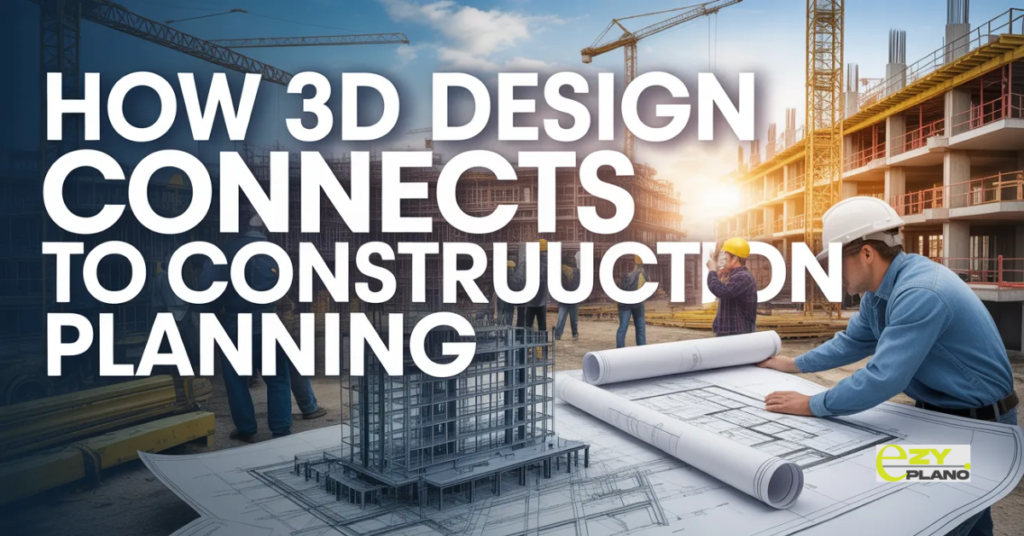
- The connection between 3D design and construction planning is becoming more direct as tools on both sides develop.
- A 3D model that informs the construction programme rather than just the design process changes how planning happens. Spatial conflicts identified in the model before they affect the programme. Construction sequence validated against the physical reality of the model rather than assumed from flat drawings. Quantities extracted from the model feeding directly into procurement planning rather than being calculated separately.
- Making that connection work requires planning tools that can receive and use information from 3D design software rather than treating the two as entirely separate functions. As 3D design becomes more common in construction operations the planning tools that work alongside the design environment rather than independently of it produce better outcomes than those that treat design and planning as disconnected activities.
- EZY PLANO is a platform built for construction businesses that want their planning to work as part of a connected project information environment. As 3D design becomes more integrated into how construction projects are prepared and managed the connection between what gets designed and how it gets planned becomes increasingly important for the businesses that want to deliver projects efficiently and reliably.
Questions Worth Asking
How do we choose between 3D design software options without overinvesting in capability we do not need?
- Start with the specific use case. Client visualisation requires different capability from BIM authoring for contractor coordination. Match the tool to the actual requirement rather than to the most sophisticated option available.
Can free 3D design software produce professional quality output for client presentations?
- Yes for several options. SketchUp Free and Blender in particular produce presentation quality output. The limitation is workflow rather than output quality for most professional presentation needs.
How do we connect 3D design models to our construction planning process?
- Identify what information in the design model is useful for planning. Quantities for procurement. Spatial relationships for sequencing. Element dependencies for programme development. Planning software that is designed to work alongside the design environment rather than independently of it makes those connections more straightforward.
