
Planning Software Development and What Makes It Work
- Building planning software is deceptively difficult. The problem it is trying to solve looks straightforward from the outside. Help teams organise work. Track progress. Keep everyone aligned.
- In practice the challenge goes deeper than that. Planning tools sit at the intersection of how people think about work and how work actually happens. Those two things are rarely identical. And the gap between them is where most planning software either earns its place or loses it.
- Planning software development done well produces tools that fit naturally into how teams work rather than tools that require teams to change how they work to fit the software. That distinction sounds small. The difference in adoption and outcomes is significant.
Why Planning Tools Are Hard to Get Right
- The difficulty starts with the diversity of how different teams plan.
- A construction team planning a project thinks in sequences and dependencies. Physical work that must happen in a specific order. Resources that need to be in the right place at the right time. Constraints that are fixed by physical reality rather than preference.
- A software development team thinks in iterations and priorities. Work that gets refined as understanding develops. Requirements that change as the product takes shape. Estimates that carry genuine uncertainty rather than false precision.
- A professional services team thinks in client commitments and capacity. Multiple concurrent engagements. Time that needs to be allocated across competing demands. Deadlines that are externally imposed rather than internally negotiated.
- Planning software development that tries to serve all of these with the same structure tends to serve none of them particularly well. The tools that earn genuine adoption are the ones built with a clear understanding of how a specific type of work actually gets planned.
The Features That Determine Whether a Tool Gets Used
- Planning software can be evaluated on a long list of features. Most of them do not determine whether the tool gets used consistently.
- The features that determine adoption are simpler. How quickly someone can update their progress. How clearly the current state of a project is visible without navigating through multiple screens. How naturally the tool handles a change without requiring the person making it to manually update everything connected to it.
- These are not sophisticated requirements. They are the friction points that cause teams to stop using tools that otherwise have everything they need on paper. Planning software that removes these friction points gets used. Planning software that creates them does not regardless of how capable it is in other areas.
What the Development Process Should Priorities
- Building planning software that people actually use requires a development process that starts with how planning really works rather than how it looks in a requirements document.
- That means spending real time with the people who will use the tool before designing anything. Not asking them what features they want. Watching how they plan. Where the current process breaks down. What information they need and when. What they are doing in spreadsheets or group chats because the existing tool does not handle it.
- That observation surfaces requirements that would never appear in a feature request. The way a particular type of dependency gets communicated. The moment in a project when visibility matters most. The specific piece of information that gets asked for repeatedly and is never quite available in the right form.
- Planning software development that skips this step builds something technically correct that misses the actual problem. The features are there. The tool still does not fit.
The Mobile Reality
- Planning software built primarily for desktop use misses how a significant portion of planning actually happens.
- Project managers checking progress between meetings. Site supervisors updating task status from a phone on an active site. Team members confirming their priorities for the day before they reach their desk.
- These interactions are short. They happen in moments between other things. A planning tool that requires a full desktop session to update properly will not get updated in these moments. The information that should be flowing into the system stays in someone’s head until they get back to a computer. By then it is history rather than current status.
- Good planning software development treats mobile as a primary experience not an afterthought. The interface that works on a phone in thirty seconds is often more valuable to an operation than the one with the most comprehensive desktop functionality.
Integration With How Work Actually Gets Communicated
- Planning tools that exist in isolation from the rest of how a team communicates create their own overhead.
- Information gets recorded in the planning tool. The same information gets shared in a chat. The same information appears in an email. Three places. None of them are definitively current. The team is never quite sure which one to trust.
- Planning software that connects to communication tools, calendars and the other systems a team actually uses becomes the place where things are recorded once and visible everywhere that matters. That integration is not a feature. It is what determines whether the tool becomes the source of truth or just another place to check.
Building Tools Teams Actually Want to Use With Planning Software Development
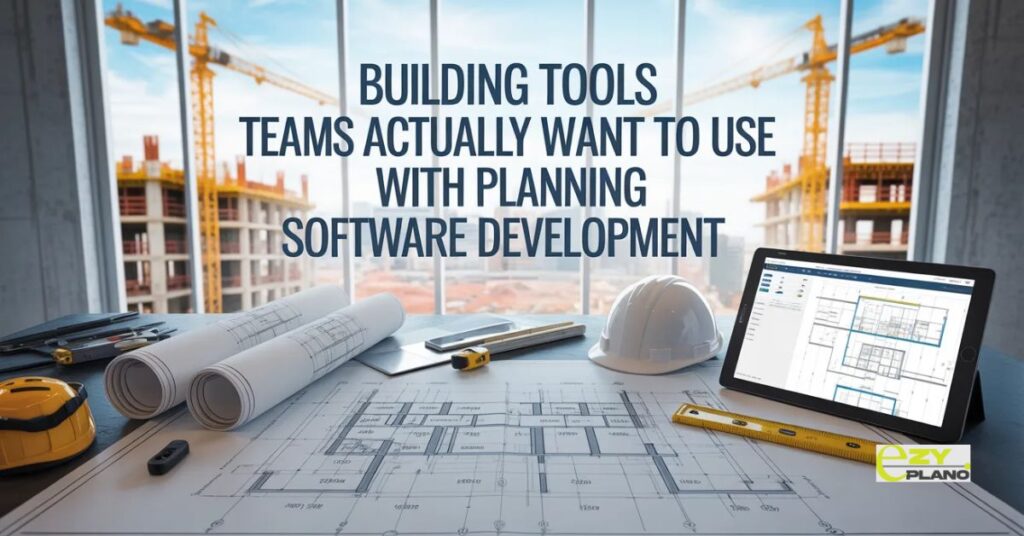
- The planning tools that earn genuine loyalty are not the most feature rich ones. They are the ones that make the working day feel slightly less complicated than it did before.
- That outcome requires planning software development that starts with the problem rather than the technology. That builds for how work actually happens rather than how it should happen in theory. That treats adoption as the measure of success rather than feature delivery.
- EZY PLANO is a platform that came out of exactly this kind of development thinking. Built around the specific planning challenges that growing teams face rather than a generic set of project management requirements. Designed to be used by the whole team, not just the person who chose it.
Questions Worth Asking
How do we know if a planning tool was built for our type of work?
- Trial it on a real project with genuine complexity. Tools built for different types of work reveal their limitations quickly when used on work they were not designed for.
What makes planning software adoption succeed or fail?
- Simplicity of daily interaction. If updating progress takes less time than avoiding the update people do it. If it takes longer they find workarounds.
How do we evaluate mobile experience properly before committing?
- Put it in the hands of team members who work away from desks during the trial. Their experience on an active workday is the most reliable indicator of whether mobile adoption will actually happen.


